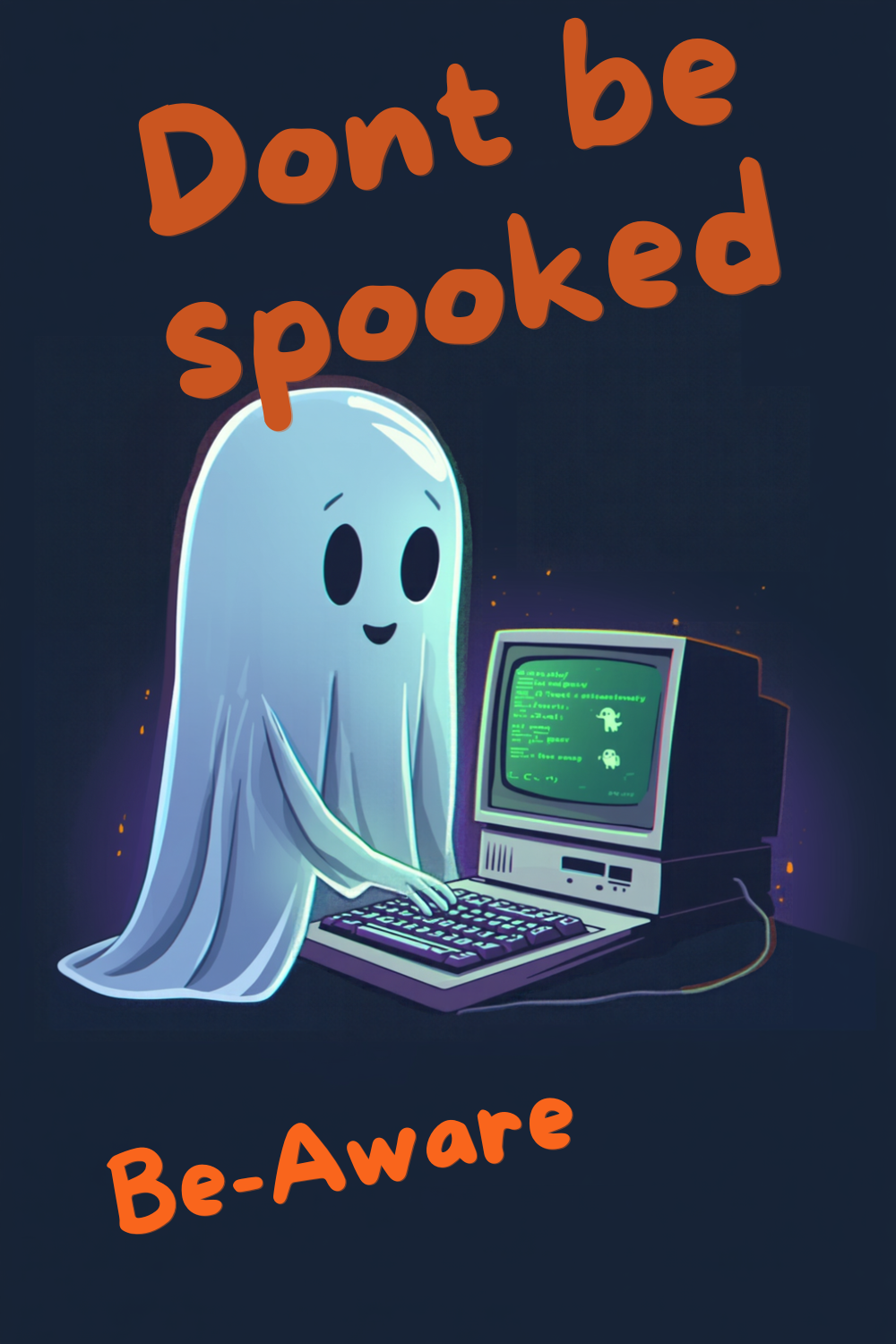
🎃 What’s Scarier Than Halloween? Getting Scammed Online!
October is the month of ghosts, goblins, haunted houses, creepy costumes…and Cybersecurity Awareness Month.
And while Halloween is supposed to give us a good scare, there’s another kind of frightening activity happening every day—cybercriminals trying to trick us online.
The good news? Unlike the monster hiding under the bed, many online threats can be avoided when you know what to watch for.
So grab your flashlight, check under the digital bed, and let’s look at some of the cyber “monsters” lurking online.
👻 PHISHING: The Ghost in Your Inbox
You open your email and see:
“Your account has been suspended. Click here immediately!”
Scary, right?
That urgency is exactly what scammers want.
Phishing emails are designed to frighten, excite, or worry you enough that you react before you stop and think.
They may pretend to be your bank, Amazon, Medicare, Social Security, a delivery company, or even someone you know.
Senior Savvy Tip:
Don’t click the link in a suspicious email or text. Instead, open the company’s official app or type the website address yourself.
If the message says there’s a problem with your bank account, for example, call the number printed on the back of your bank card—not the number in the message.
🧛 PASSWORD VAMPIRES: Sucking the Life Out of Your Accounts
Using the same password everywhere may be convenient, but it can become a nightmare.
If a criminal gets that password from one compromised website, they may try it on your email, shopping accounts, social media, and even financial accounts.
Suddenly, one stolen password can unlock several doors.
Senior Savvy Tip:
Use a different, strong password for every important account. A reputable password manager can make this much easier because you don’t have to remember dozens of complicated passwords yourself.
And whenever possible, turn on two-factor authentication (2FA). It adds another layer of protection even if someone discovers your password.
🧟 ZOMBIE ACCOUNTS: Old Accounts That Come Back to Haunt You
Remember that shopping website you used once six years ago?
How about an old email address, social media account, or app you haven’t opened in years?
Those forgotten accounts may still contain your name, email address, password, birthday, phone number, or other personal information.
Old accounts can become forgotten doors into your digital life.
Senior Savvy Tip:
Periodically review accounts you no longer use. Delete or deactivate them when possible, especially if they contain personal or financial information.
Less information sitting around online means less information available for criminals to steal.
🎭 THE SCAMMER IN COSTUME
Halloween isn’t the only time people wear disguises.
Cybercriminals do it every day.
They may pretend to be:
- Your bank
- Medicare or Social Security
- The IRS
- A police officer
- A utility company
- A computer technician
- A delivery service
- A charity
- Your grandchild or another family member
Artificial intelligence has made some scams even more convincing. A message, photograph, or even a voice that seems familiar should not automatically be trusted.
Senior Savvy Tip:
When someone contacts you unexpectedly and asks for money, passwords, account information, gift cards, cryptocurrency, or verification codes—stop.
Call the person or organization yourself using contact information you already trust.
🍬 SMISHING: There’s a Trick in That Text
“Your package couldn’t be delivered.”
“You have an unpaid toll.”
“Your account has been locked.”
“You have a refund waiting.”
These text-message scams are called smishing, and they’re designed to make you tap a link.
Think of suspicious links like unwrapped Halloween candy.
If you don’t know where it came from, don’t touch it.
Delete suspicious messages and go directly to the company’s official website or app if you’re concerned.
🕷️ THE WEB OF SOCIAL MEDIA SCAMS
Social media is wonderful for keeping up with family and friends, but scammers use it too.
Fake giveaways, cloned profiles, romance scams, fraudulent marketplace listings, fake investment opportunities, and messages from supposedly stranded friends are all common tricks.
Before sending money or sharing personal information, verify who you’re actually communicating with.
If Cousin Betty suddenly messages you asking for $500 in gift cards because she’s stranded somewhere, call Cousin Betty.
You might discover she’s sitting comfortably at home watching television and has no idea what you’re talking about.
🧙 THE SCAMMER’S FAVORITE SPELL: PANIC
One of the most powerful tools a scammer has isn’t sophisticated computer software.
It’s emotion.
Scammers want you to feel:
Scared. Urgent. Excited. Worried. Embarrassed. Helpful.
Because when emotions take over, we’re more likely to act quickly.
You may hear:
“Your grandson has been arrested.”
“Your electricity will be disconnected in 30 minutes.”
“Someone accessed your bank account.”
“You’ve won a prize!”
“You owe the IRS money.”
“Don’t tell anyone about this.”
That last one is especially important.
A legitimate organization generally isn’t afraid of you discussing the situation with someone you trust.
🔦 Shine a Light on the Scam
Scammers work best in confusion and darkness.
Your best defense is surprisingly simple:
STOP. CHECK. VERIFY.
STOP before clicking, paying, downloading, or giving information.
CHECK the message carefully. Does something seem unusual?
VERIFY the request independently by contacting the person or company through a trusted phone number, website, or app.
Taking two minutes to verify something could save you months—or even years—of dealing with identity theft or financial fraud.
🎃 This October, Be Cyber Savvy
Halloween monsters disappear when the porch lights come back on.
Cybercriminals aren’t quite that easy to get rid of—but knowledge makes them a lot less frightening.
During Cybersecurity Awareness Month, take a few minutes to strengthen your digital home:
- Update your passwords.
- Turn on two-factor authentication.
- Update your phone and computer.
- Delete accounts you no longer use.
- Review your privacy settings.
- Talk with family members about scams.
- And most importantly, slow down when something doesn’t feel right.
Cybersecurity doesn’t have to be complicated.
You don’t need to understand everything about computers to protect yourself online.
Sometimes the most powerful cybersecurity tool is simply knowing when to say:
“I’m not clicking that.”
Stay safe, stay confident, and stay Senior Savvy. 🎃🔐